
Product tour
See what you will work with.
Actual app captures with demo data. Choose a screen, inspect the details, then bring your own workflow to a guided walkthrough.
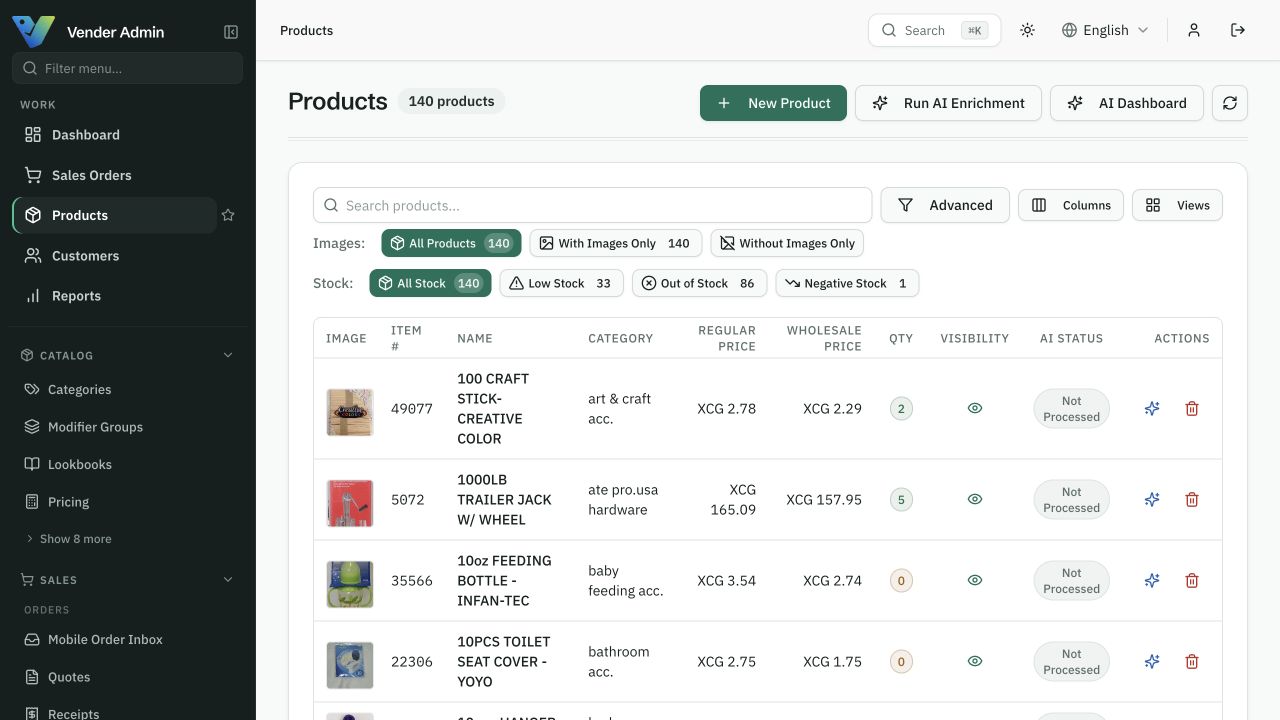
One product record carries its images, its prices and its stock — and every channel reads the same one.
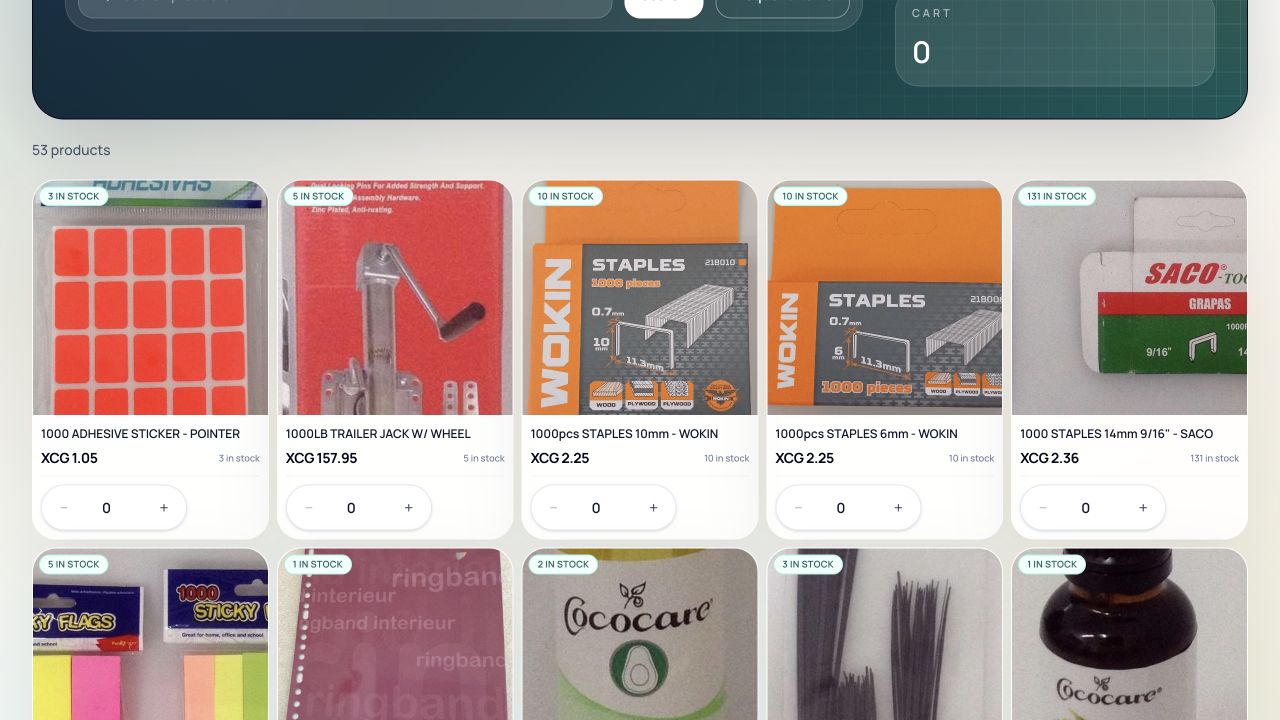
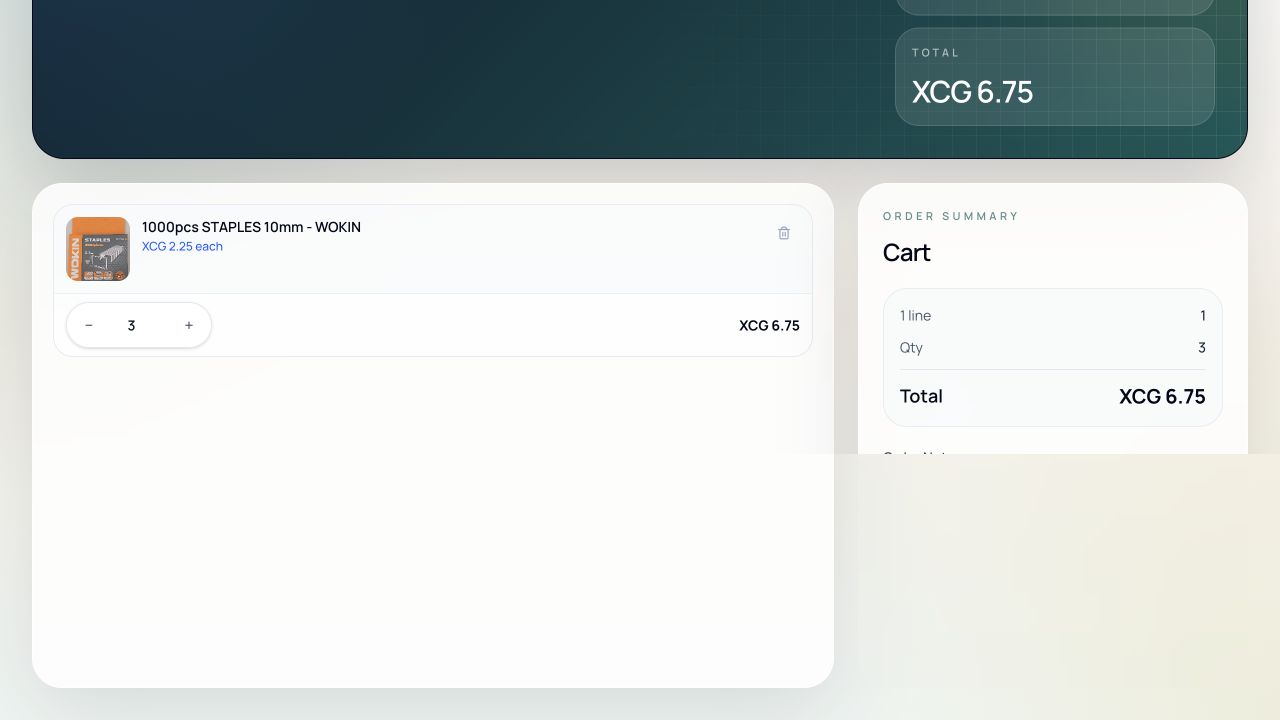
What your buyer sees: product images, the stock availability shown in the portal, and quantity controls that respect their account pricing.
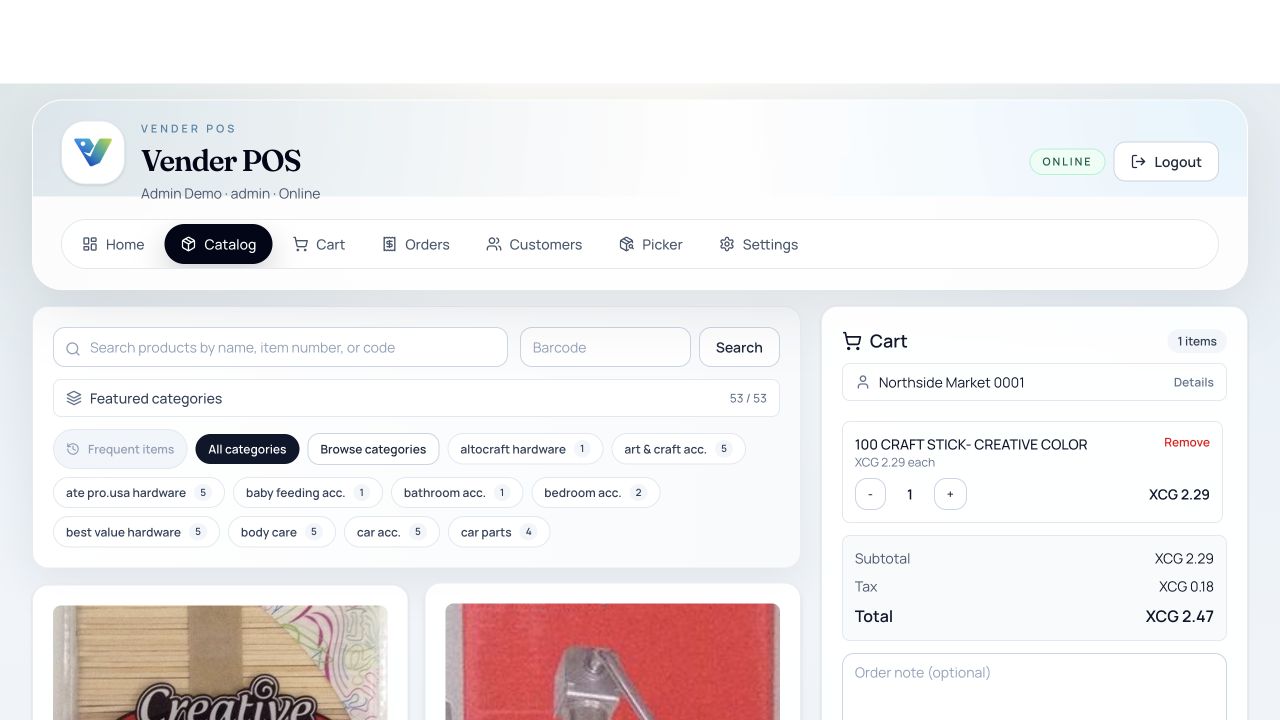
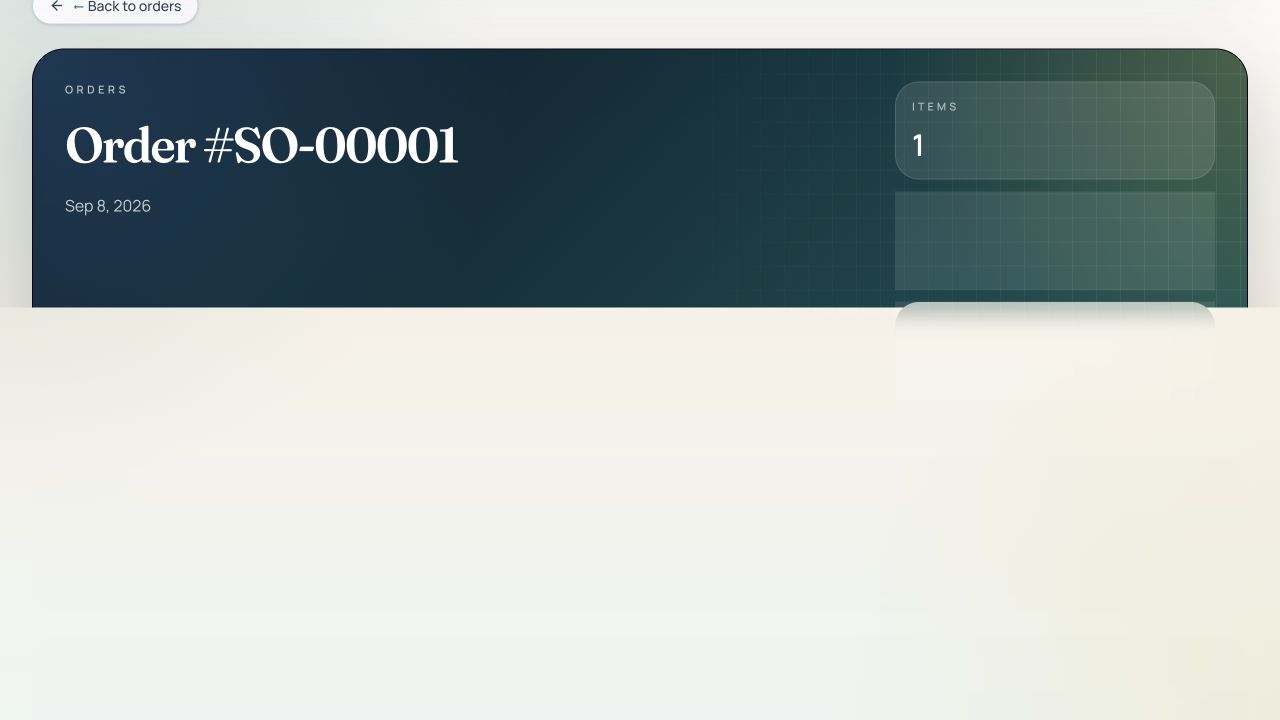
Order entry in the browser: pick the account, add products, watch the total settle. The Windows till has its own payment screen.
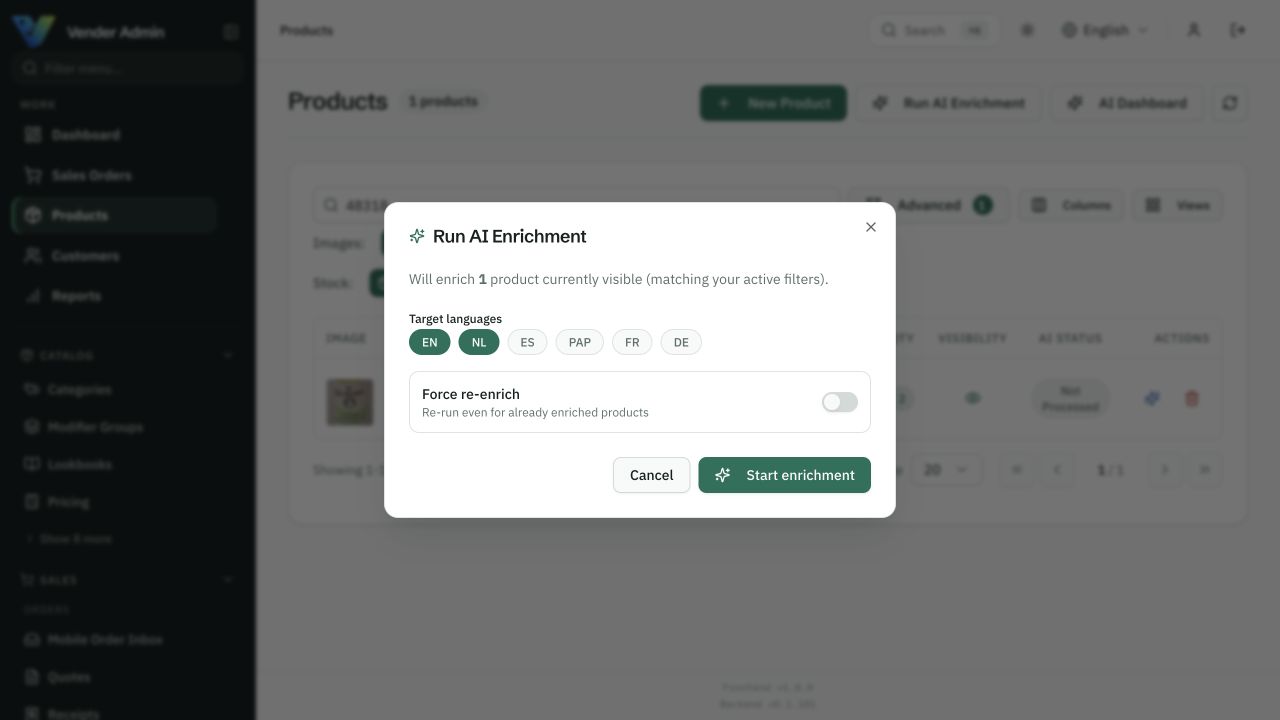
Choose which products to work on and which languages to write. Check automation settings and review the results before applying changes.
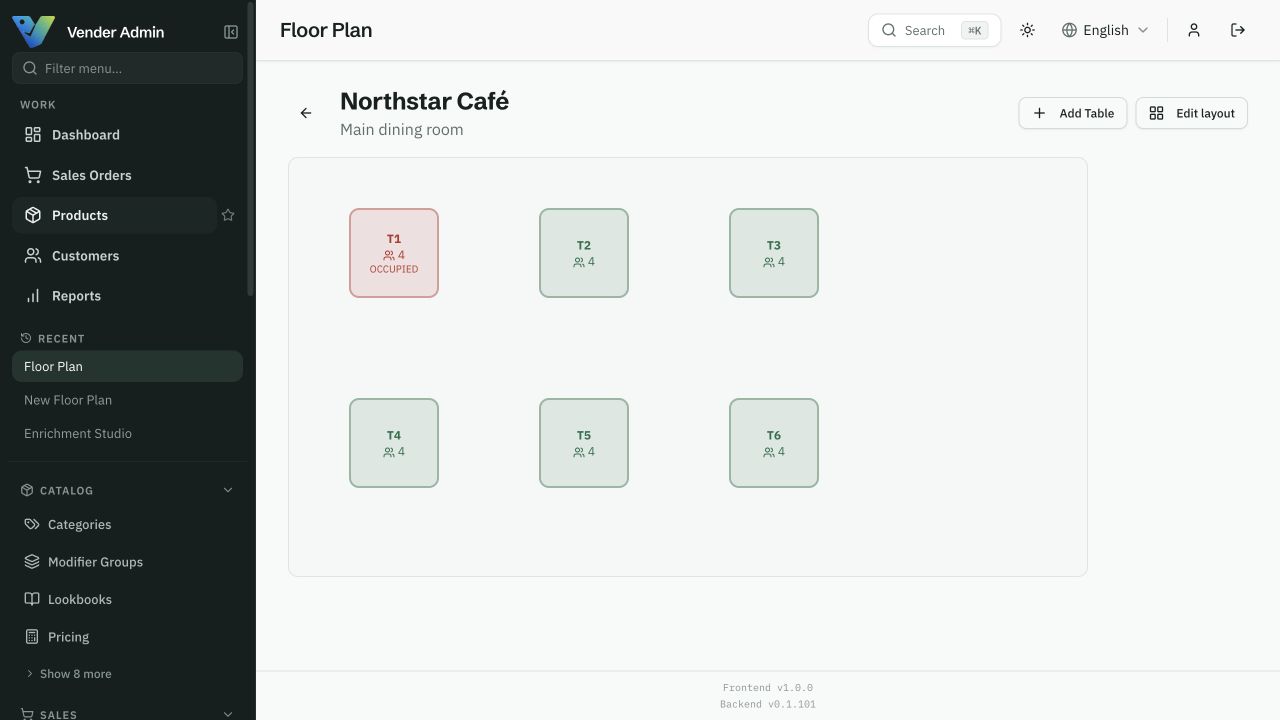
Your room, your tables, and which ones are open. Waiters send courses from here and the kitchen sees them arrive.
Start where it matters
One product catalogue. More ways to sell.
Choose the workflow you need today. Explore the rest when your business is ready.
B2B ordering
Let trade customers order from your catalogue.
ExploreField sales
Capture the order during the sales visit.
ExplorePoint of sale
Sell at the counter from the same catalogue.
ExploreCatalogue & inventory
Manage products, prices and stock together.
ExploreAI catalogue tools
Find missing product content. Review the suggestions.
ExploreHospitality
Connect the table, the order, and the kitchen.
ExploreFind your starting point.
See how it fits the way you work.