
← Explore Vender
Trade counters & retail
Serve walk-ins and business accounts together.
Your wholesale customers and counter customers buy from the same shelves. Connect their orders to the same product and stock records.
14 days free, no card needed. Start with a sample and add the rest when you are ready.
Sound familiar?
Account pricing that needs a manual lookup
A checkout setup that must fit existing hardware
Look inside
Actual screens. Your pace.
Explore captured app screens with demo data. Choose a view or open an image to inspect the details.
Actual Vender apps · demo data
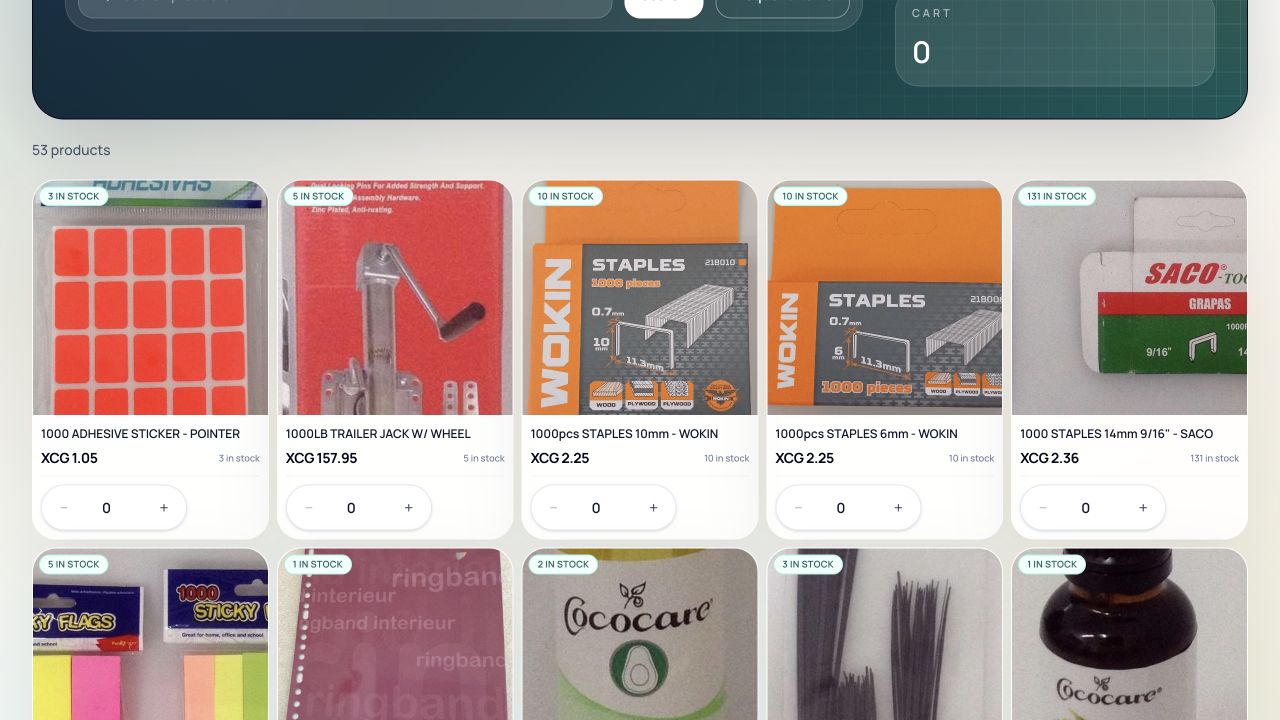
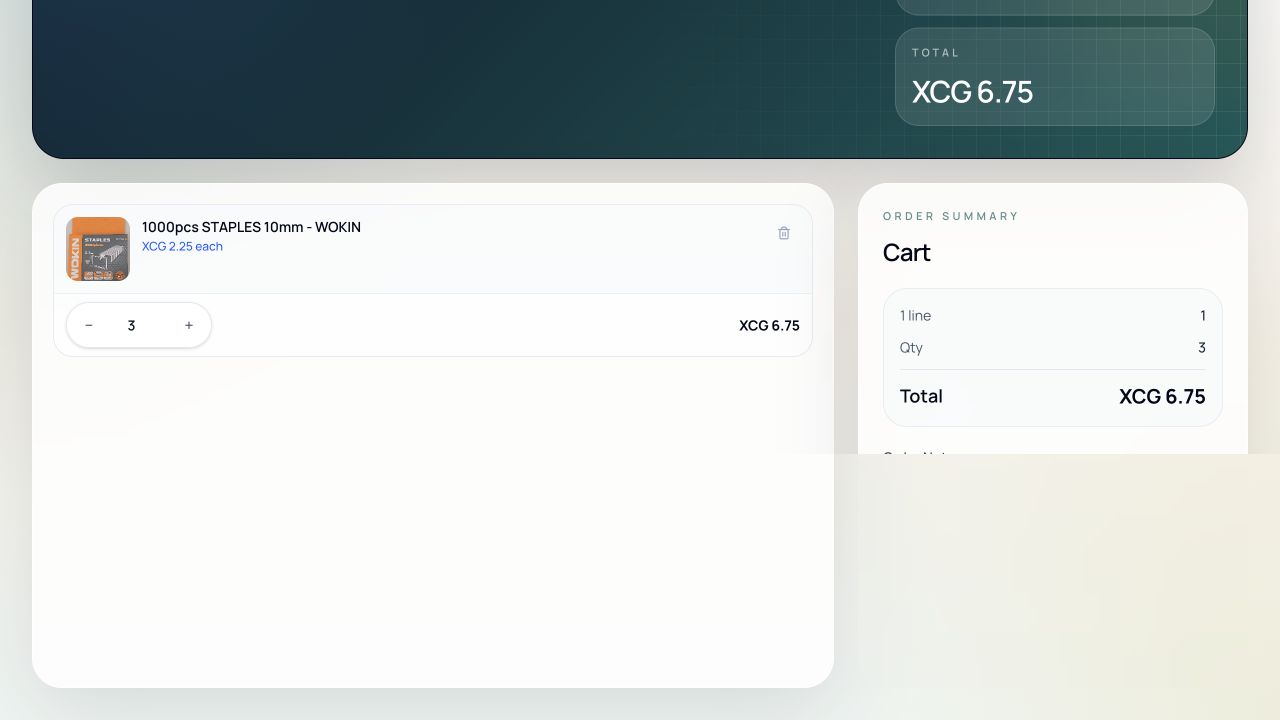
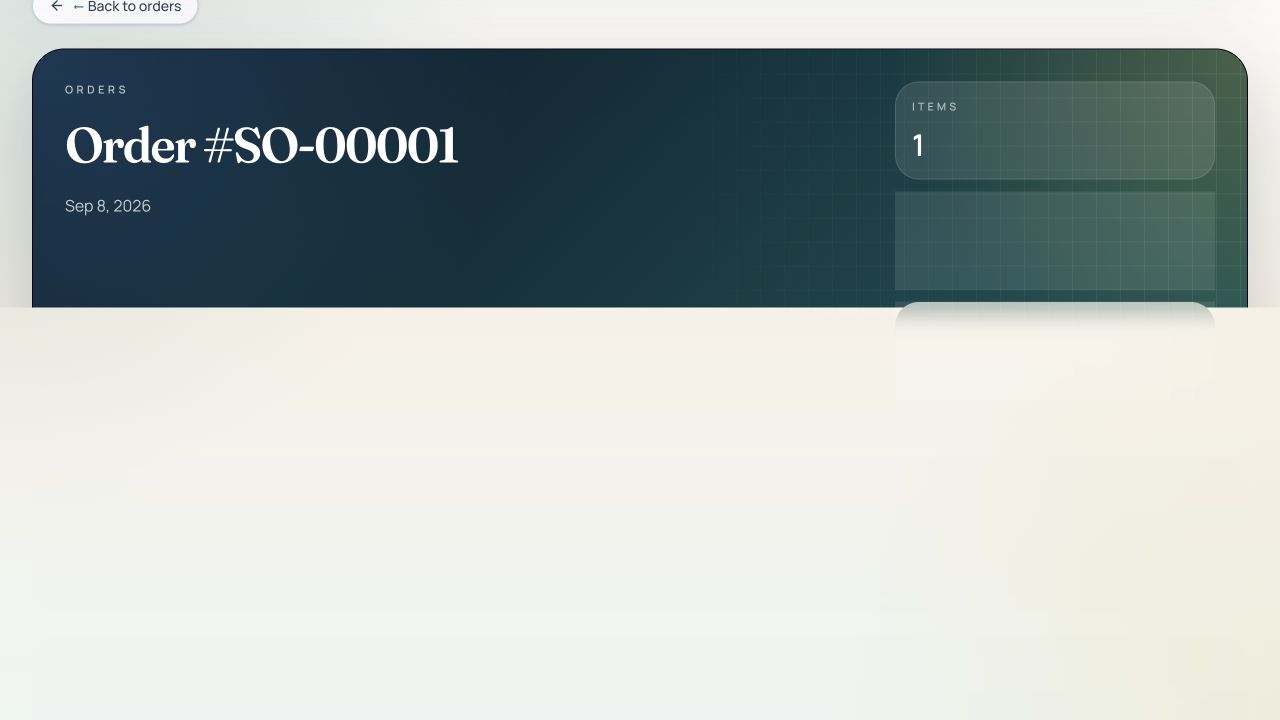
What your buyer sees: product images, the stock availability shown in the portal, and quantity controls that respect their account pricing.
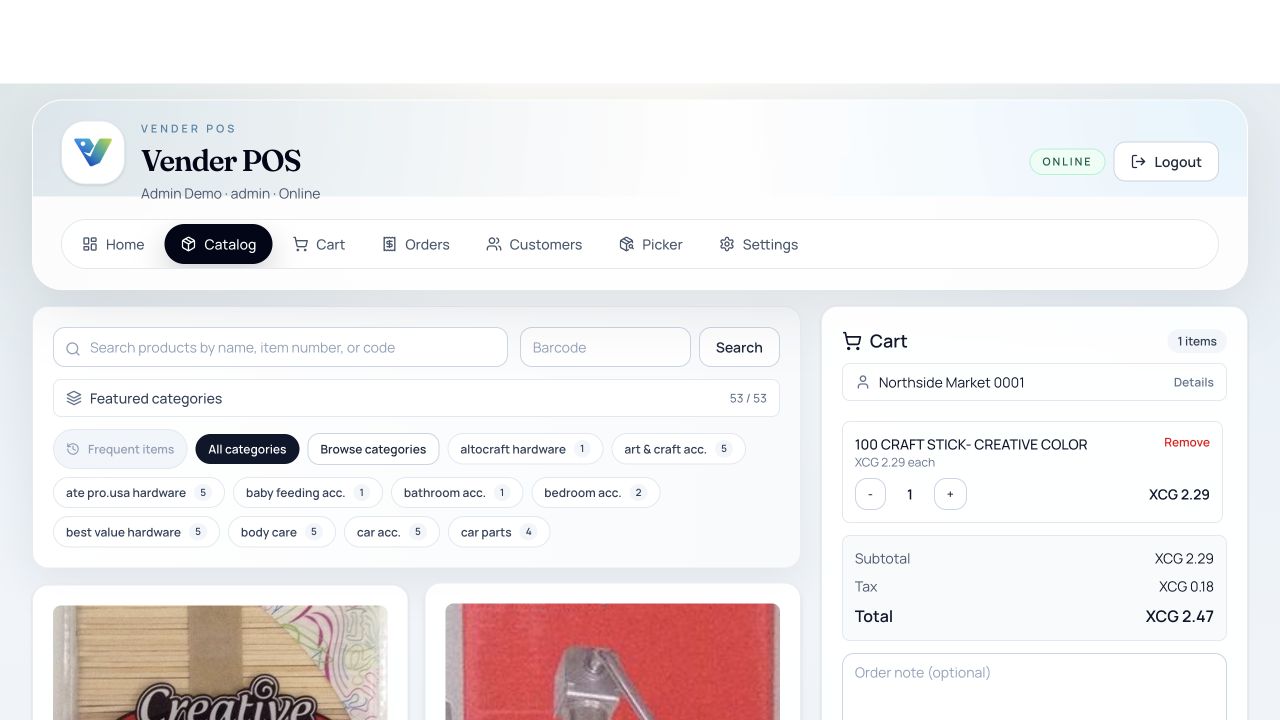
Order entry in the browser: pick the account, add products, watch the total settle. The Windows till has its own payment screen.
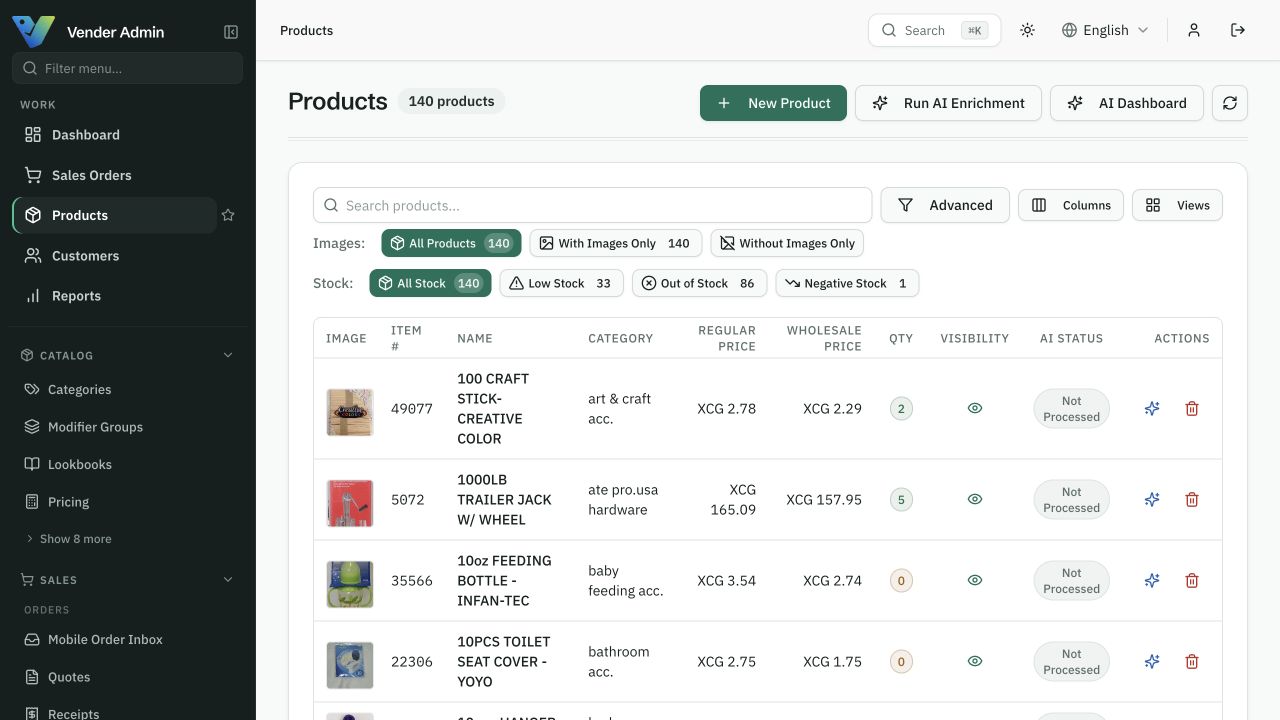
One product record carries its images, its prices and its stock — and every channel reads the same one.
Start with one working workflow.
Bring your products and account customers together.
Test browser order entry and desktop checkout for your counter.
Add a buyer portal when repeat customers are ready.
Can I keep my card terminal?
Yes. Take the card payment on the terminal you already have, then confirm it on the till and the sale closes against the right customer and stock. Your receipt printer and cash drawer connect over ESC/POS.
A clear starting point
Compare packages for your workflow.
Choose a package by the features listed on the pricing page. The Ordering and POS offers have their own scope; an operations plan does not automatically include every product. Confirm combined requirements with us before activation.
Compare all plans →