
← Explore Vender
Brands & importers
Make your range easier to discover and buy.
Turn scattered product files into a catalogue your sales team can show and your trade customers can order from.
14 days free, no card needed. Start with a sample and add the rest when you are ready.
Sound familiar?
Product images scattered across folders
A new collection that needs a clear buyer experience
Look inside
Actual screens. Your pace.
Explore captured app screens with demo data. Choose a view or open an image to inspect the details.
Actual Vender apps · demo data
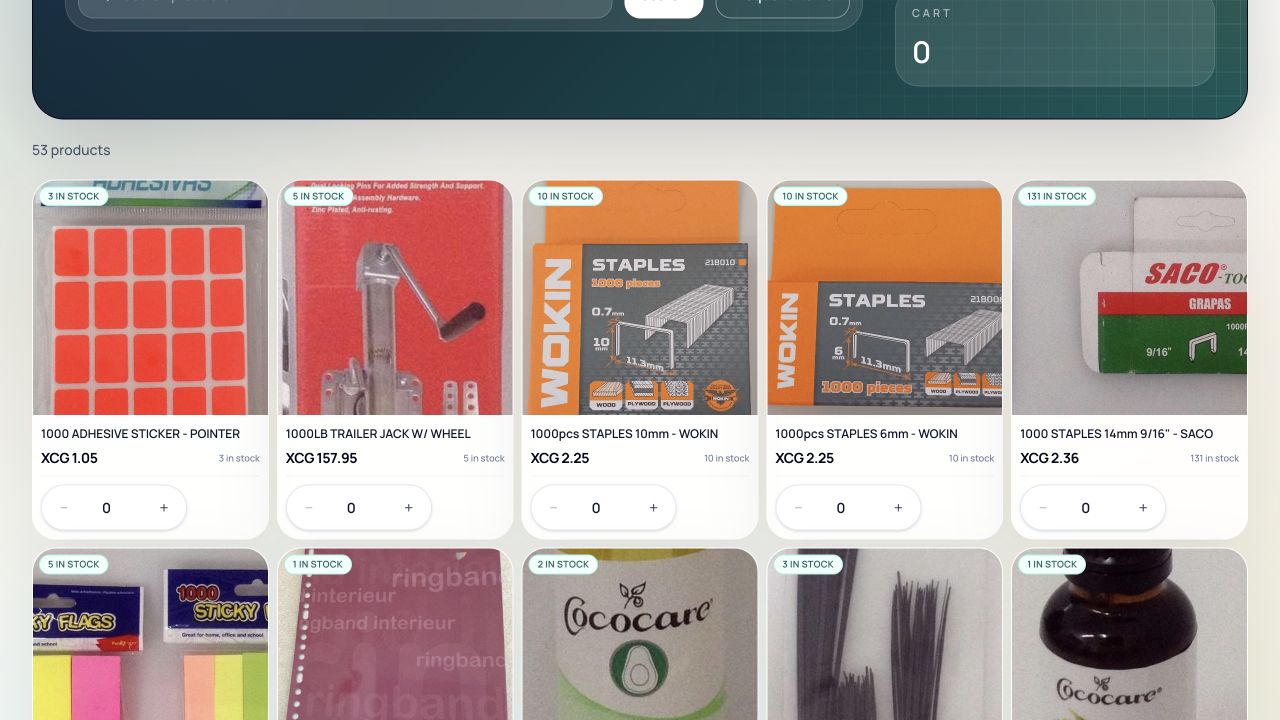
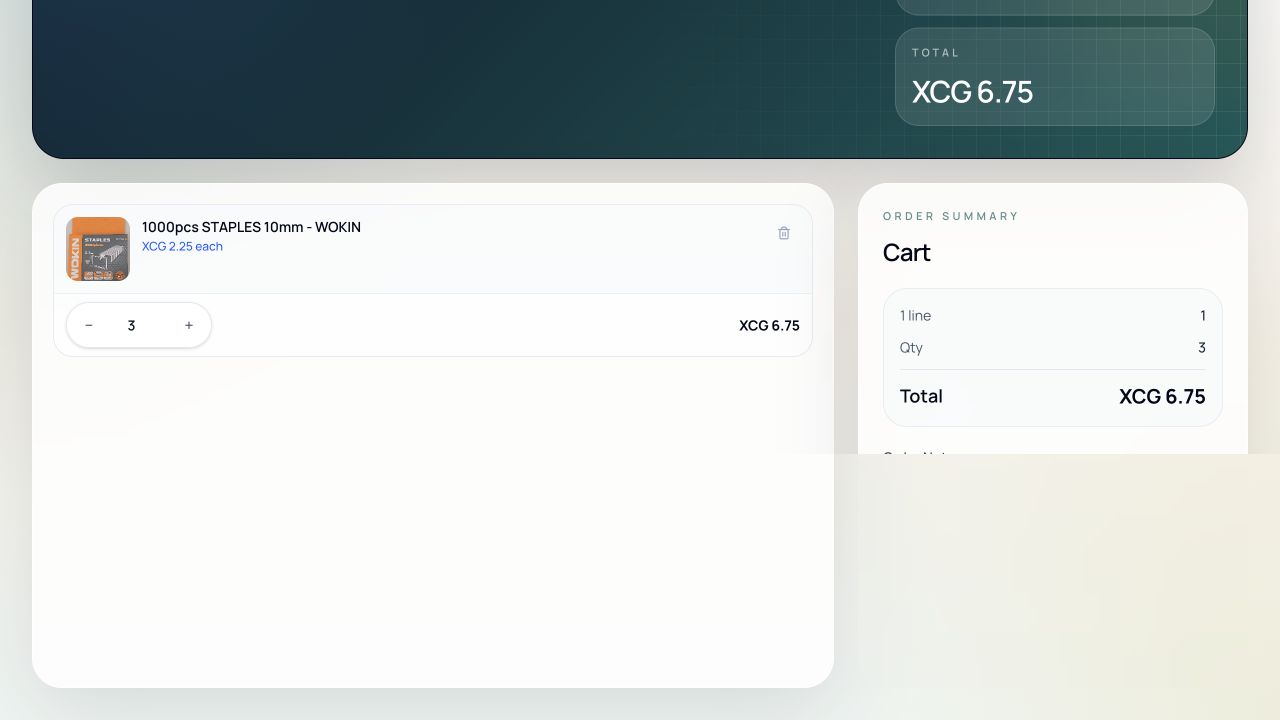
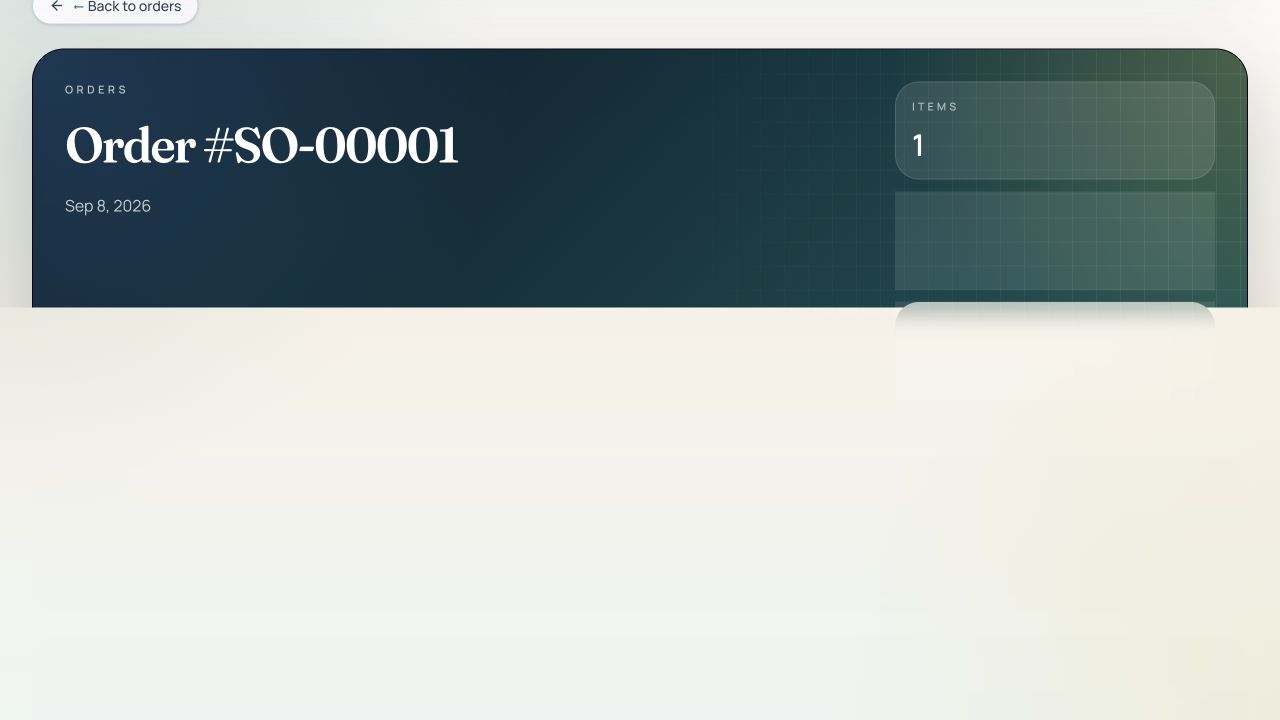
What your buyer sees: product images, the stock availability shown in the portal, and quantity controls that respect their account pricing.
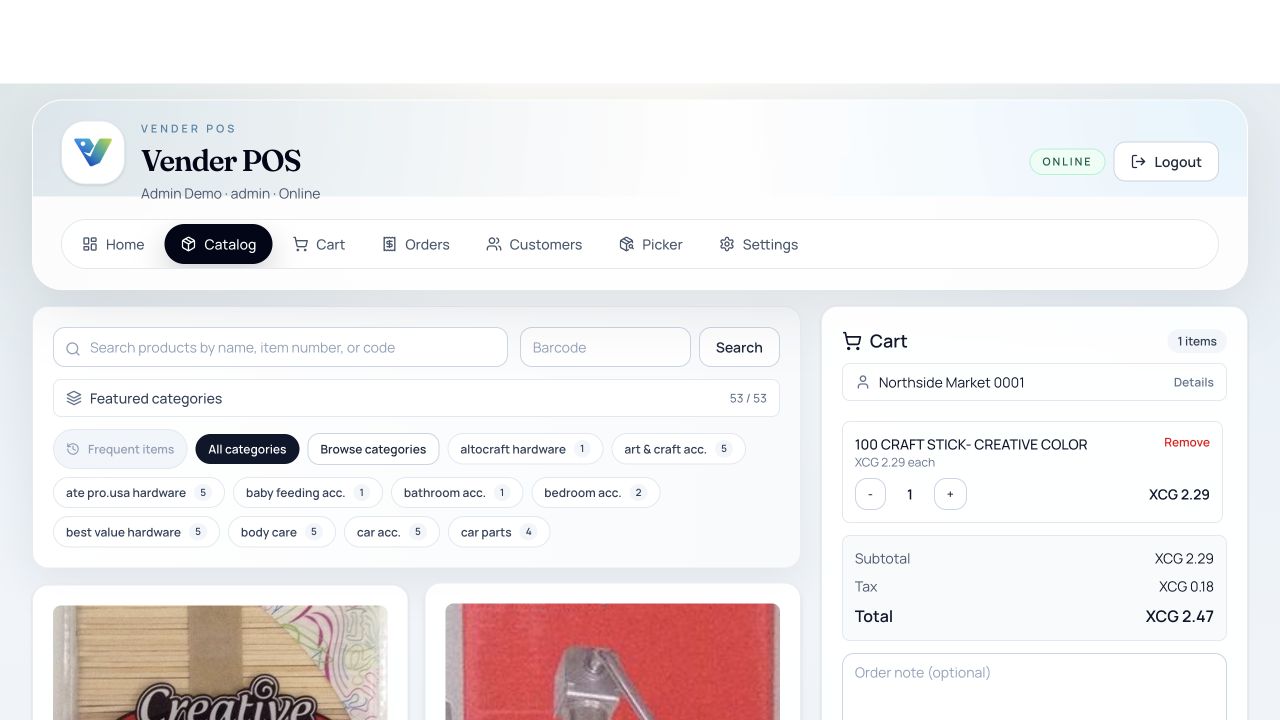
Order entry in the browser: pick the account, add products, watch the total settle. The Windows till has its own payment screen.
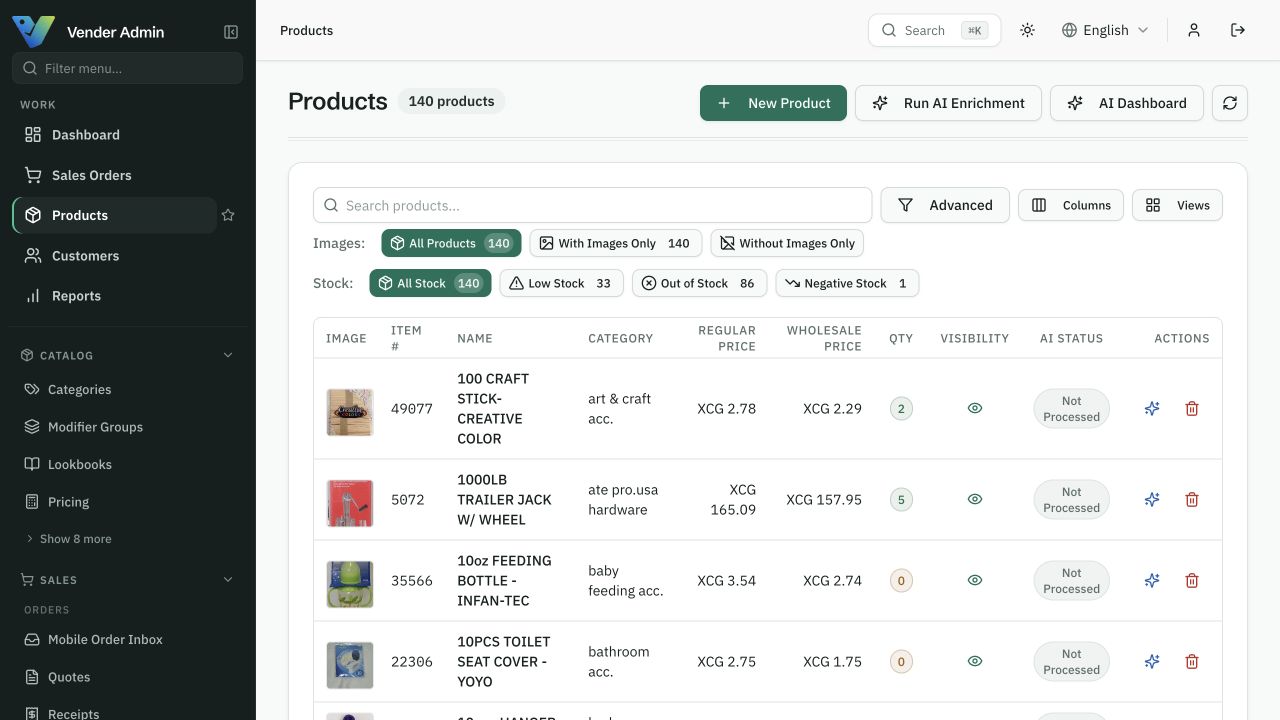
One product record carries its images, its prices and its stock — and every channel reads the same one.
Start with one working workflow.
Import a sample and organise its images and categories.
Evaluate enrichment on products with missing content.
Present the collection in your B2B catalogue.
Will AI publish changes automatically?
Check your automation and publishing settings before a run. Start with a small batch, compare the suggestions with your product information, and approve only the changes you want to use.
A clear starting point
Compare packages for your workflow.
Choose a package by the features listed on the pricing page. The Ordering and POS offers have their own scope; an operations plan does not automatically include every product. Confirm combined requirements with us before activation.
Compare all plans →