
← Explore Vender
Hospitality
Connect the table, the order, and the kitchen.
Explore a connected service workflow with table management, waiter ordering, kitchen displays, and self-service options.
14 days free, no card needed. Start with a sample and add the rest when you are ready.
Built around the work you do.
Kitchen order queues and preparation status.
Kiosk and QR ordering options for a scoped rollout.
For cafés and restaurants evaluating a connected ordering setup.
Look inside
Actual screens. Your pace.
Explore captured app screens with demo data. Choose a view or open an image to inspect the details.
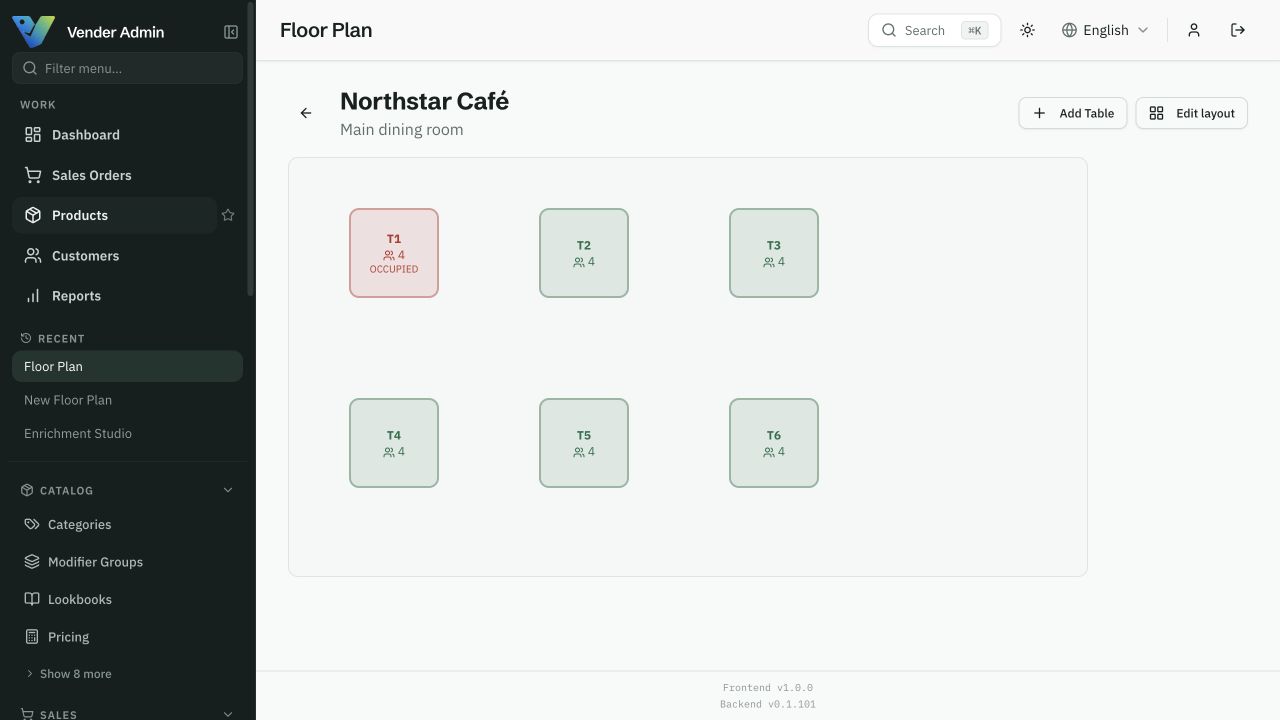
The floor-plan screen below is the one your service team uses: rooms, tables and open sessions.
Start with one working workflow.
Choose one venue and one service workflow.
Confirm your menu, modifiers, devices, and payment setup.
Run an end-to-end service pilot with your team.
Before you start
Start with one room and one service. Waiter and kitchen apps run in a tablet browser, so you can try them on the devices you already own before adding kiosk or QR ordering.
A clear starting point
Compare packages for your workflow.
Choose a package by the features listed on the pricing page. The Ordering and POS offers have their own scope; an operations plan does not automatically include every product. Confirm combined requirements with us before activation.
Compare all plans →