
← Explore Vender
B2B ordering
Let trade customers order from your catalogue.
Give wholesale customers a place to browse your catalogue, build an order, and come back for more. Keep your team focused on the relationship.
14 days free, no card needed. Start with a sample and add the rest when you are ready.
Built around the work you do.
Favorites and saved lists for familiar purchases.
Orders connected to your back office and picking workflow.
For wholesalers, distributors, and brands with repeat trade customers.
Look inside
Actual screens. Your pace.
Explore captured app screens with demo data. Choose a view or open an image to inspect the details.
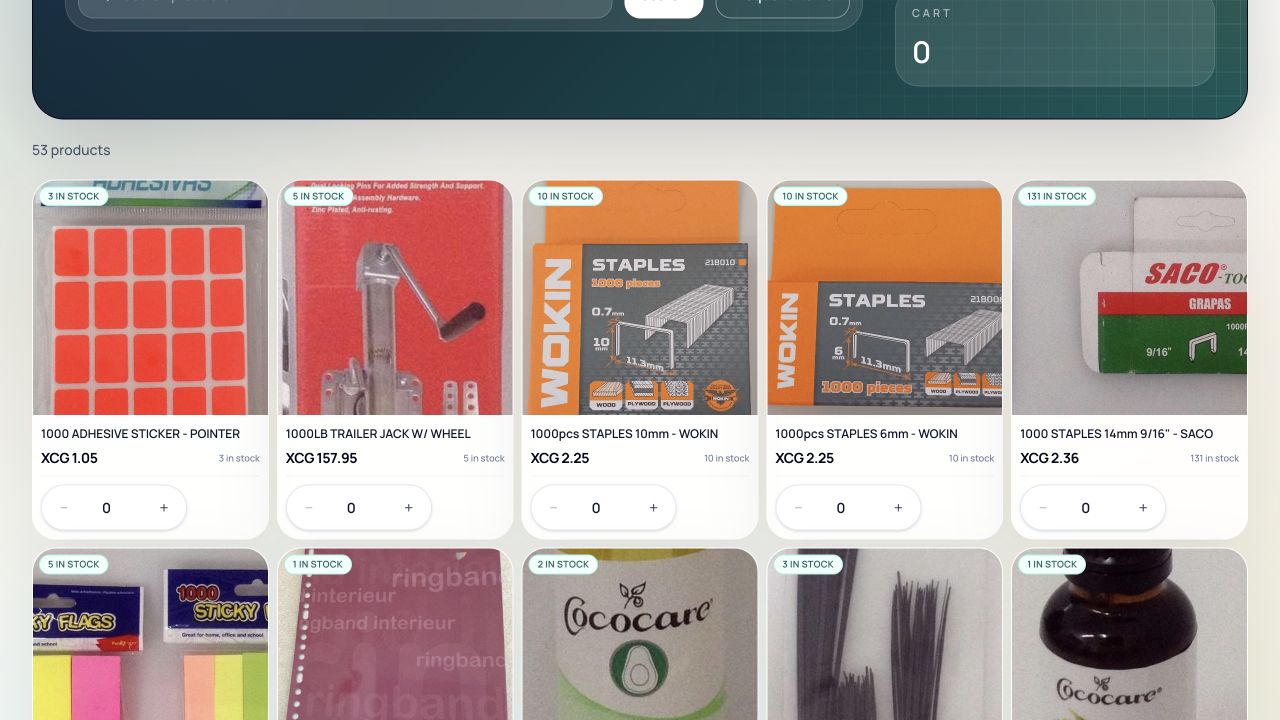
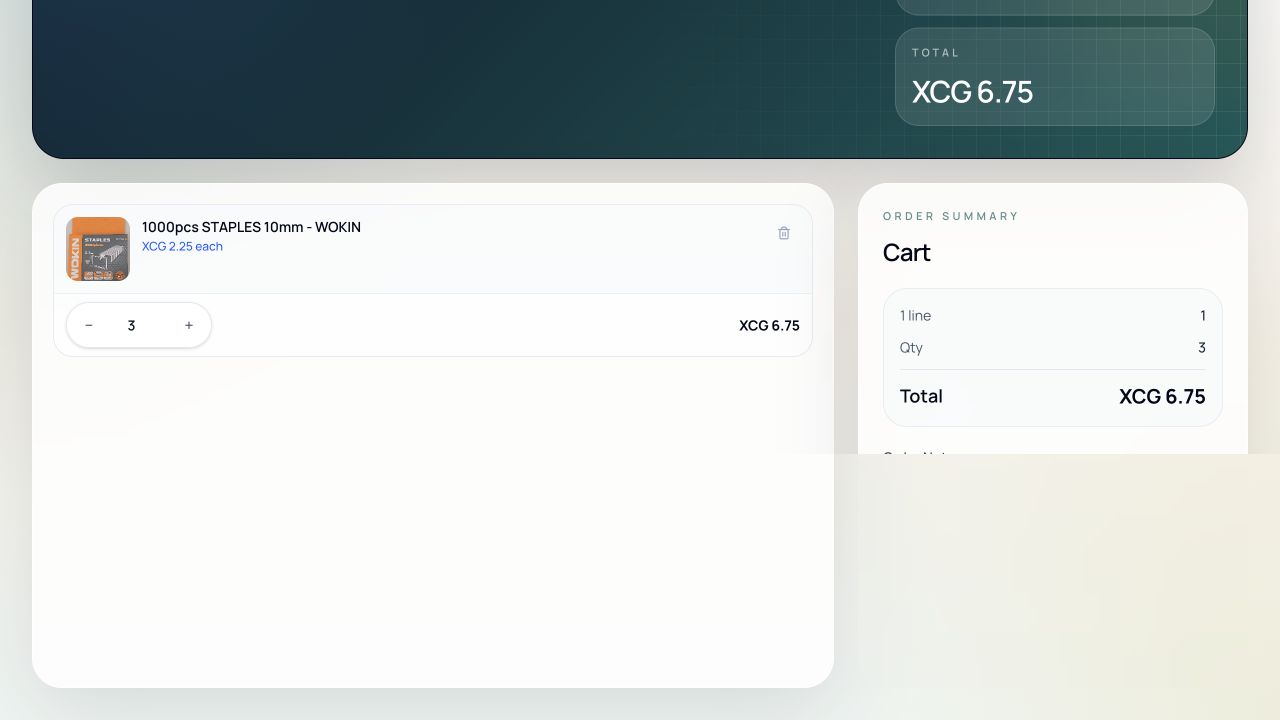
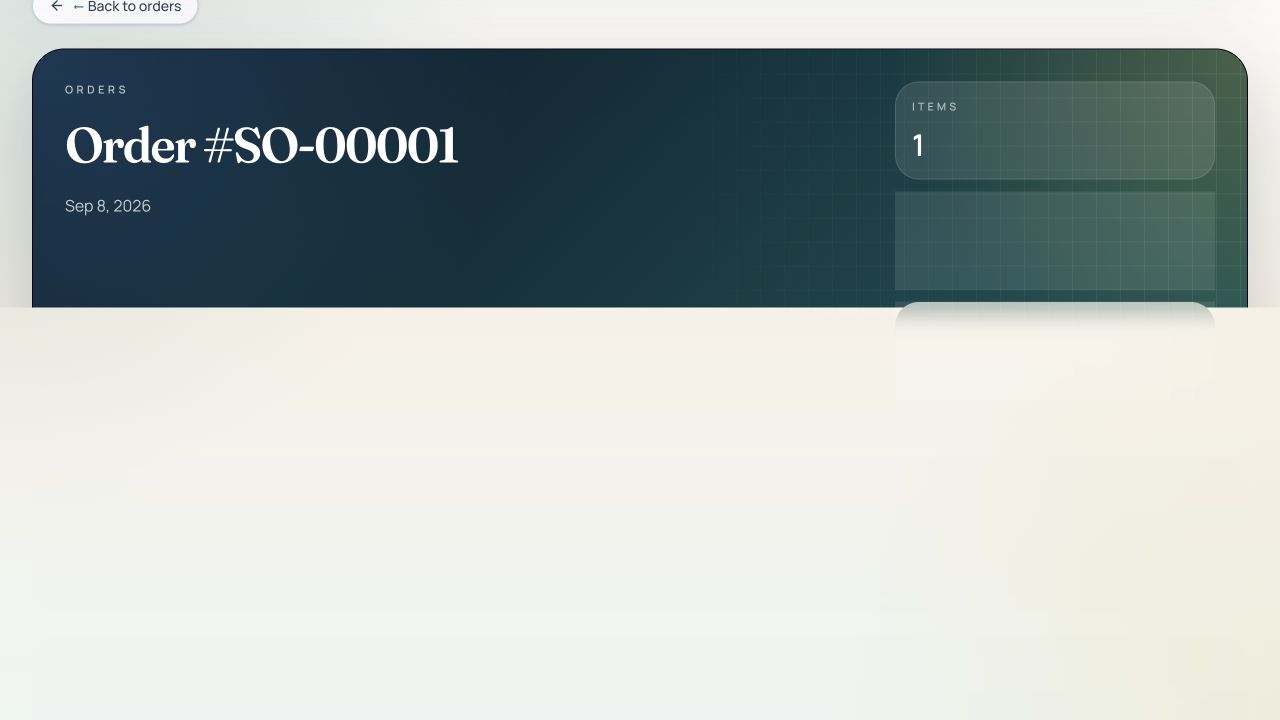
Start with one working workflow.
Bring in your catalogue and customer accounts.
Set customer access, prices, and catalogue visibility.
Invite a small buyer group and follow their first orders.
Before you start
We confirm your portal address, customer access, and pricing before inviting buyers.
A clear starting point
Wholesale Ordering: €79.00 / month
EUR · excluding VAT · per company
€805.80 EUR / year, excluding VAT; invoiced annually (€67.15 / month equivalent).
Get this set up for my team →Choose a package by the features listed on the pricing page. The Ordering and POS offers have their own scope; an operations plan does not automatically include every product. Confirm combined requirements with us before activation.
Compare all plans →